Small Text Generator
ˢᵐᵃˡˡ ᵗᵉˣᵗ ᵍᵉⁿᵉʳᵃᵗᵒʳ — Convert text to tiny superscript, subscript & small caps. Copy and paste small text for social media ✅
Small Text Generator Styles
What is a Small Text Generator?
A small text generator is a free online tool that converts your regular-sized text into tiny Unicode characters — including superscript (ˢᵐᵃˡˡ), subscript (ₛₘₐₗₗ), and small caps (ꜱᴍᴀʟʟ). These miniature characters are real Unicode text that can be copied and pasted into social media bios, messages, usernames, and anywhere else you can type.
Small text is incredibly popular for creating subtle annotations, aesthetic bios, creative usernames, whisper effects in messages, and adding a unique visual twist to your digital content. It's one of the most distinctive text transformations available.
How Does the Small Text Generator Work?
Our tool converts standard letters to their smaller equivalents using three different Unicode character sets:
Superscript Characters
Superscript uses Unicode Superscript modifier letters, which were originally designed for phonetic notation and mathematical expressions. For example:
- "a" becomes "ᵃ" (U+1D43 — Modifier Letter Small A)
- "B" becomes "ᴮ" (U+1D2E — Modifier Letter Capital B)
- "Hello" becomes "ᴴᵉˡˡᵒ"
Subscript Characters
Subscript uses Unicode Subscript characters, typically used in chemical formulas and mathematical expressions:
- "a" becomes "ₐ" (U+2090 — Latin Subscript Small Letter A)
- "0" becomes "₀" (U+2080 — Subscript Zero)
Note: Not all letters have subscript equivalents in Unicode. Missing letters will appear in normal size.
Small Caps Characters
Small caps uses a mix of Phonetic Extension characters and Latin Extended characters:
- "a" becomes "ᴀ" (U+1D00 — Latin Letter Small Capital A)
- "Hello" becomes "ʜᴇʟʟᴏ"
Small caps maintain the uppercase letter shapes but at a lowercase size — creating a refined, professional appearance.
Types of Small Text Available
1. Superscript (Tiny Text)
ˢᵘᵖᵉʳˢᶜʳⁱᵖᵗ — The smallest possible text. Letters appear raised above the baseline, like mathematical exponents. Perfect for whisper effects, fine print humor, and adding subtle annotations to social media posts.
2. Subscript
ₛᵤᵦₛ꜀ᵣᵢₚₜ — Small letters that sit below the text baseline. Originally designed for chemical formulas (like H₂O) and mathematical notation. Creates a unique below-the-line effect.
3. Small Caps
ꜱᴍᴀʟʟ ᴄᴀᴘꜱ — Miniature capital letters at lowercase height. This is the most readable small text style and is commonly used in professional typography for headers, acronyms, and author names. It looks clean, refined, and authoritative.
Where Can I Use Small Text?
Social Media
- Instagram Bio: Small caps create a sophisticated, minimalist bio. Superscript text can add tiny subtitles or annotations.
- Twitter/X: Small text in tweets creates a "whispering" effect that stands out in the feed. Used for humorous asides and commentary.
- TikTok: Small text in bios and comments adds a unique, eye-catching element.
- Facebook: Small caps in posts look professional and refined.
- Tumblr: The small text aesthetic is very popular in the Tumblr community.
Messaging & Communication
- Discord: Small text for whispering in roleplay channels or adding footnotes to messages.
- WhatsApp: Send tiny text messages for humor or dramatic effect.
- Telegram: Small text works in messages and bios.
- SMS / iMessage: Send tiny text messages for a fun, unusual effect.
Creative Uses
- "Fine print" jokes: Add tiny "terms and conditions" below your posts
- Whisper effect: ˢᵐᵃˡˡ ᵗᵉˣᵗ ˡᵒᵒᵏˢ ˡⁱᵏᵉ ᵃ ʷʰⁱˢᵖᵉʳ
- Aesthetic formatting: Mix small caps with normal text for visual hierarchy
- Mathematical notation: Superscript for exponents (x², n³), subscript for chemical formulas (H₂O, CO₂)
- Footnote references: Add tiny numbered references in text
Small Text for Instagram Bio — Ideas & Inspiration
Here are some creative ways to use small text in your Instagram bio:
- Main name in normal text + subtitle in small caps: "Jane Smith | ꜱᴏᴄɪᴀʟ ᴍᴇᴅɪᴀ ᴍᴀɴᴀɢᴇʀ"
- Tiny text annotations: "Photographer ˢᵉˡᶠ ᵗᵃᵘᵍʰᵗ"
- Whispering CTA: "ᵈᵐ ᵐᵉ ᶠᵒʳ ᶜᵒˡˡᵃᵇˢ"
- Small caps for professionalism: "ꜰᴏᴜɴᴅᴇʀ & ᴄᴇᴏ"
Why Some Letters Don't Have Small Versions
Not every letter has a superscript or subscript equivalent in the Unicode standard. This is because these character sets were designed for specific purposes (phonetics, mathematics) rather than as complete alphabets. When a letter doesn't have a small equivalent, it will appear in normal size. This is most noticeable in the subscript style.
Small caps have the best coverage, with nearly all letters available. We recommend using small caps if you need every letter to appear consistently small.
How to Make Small Text — Step by Step
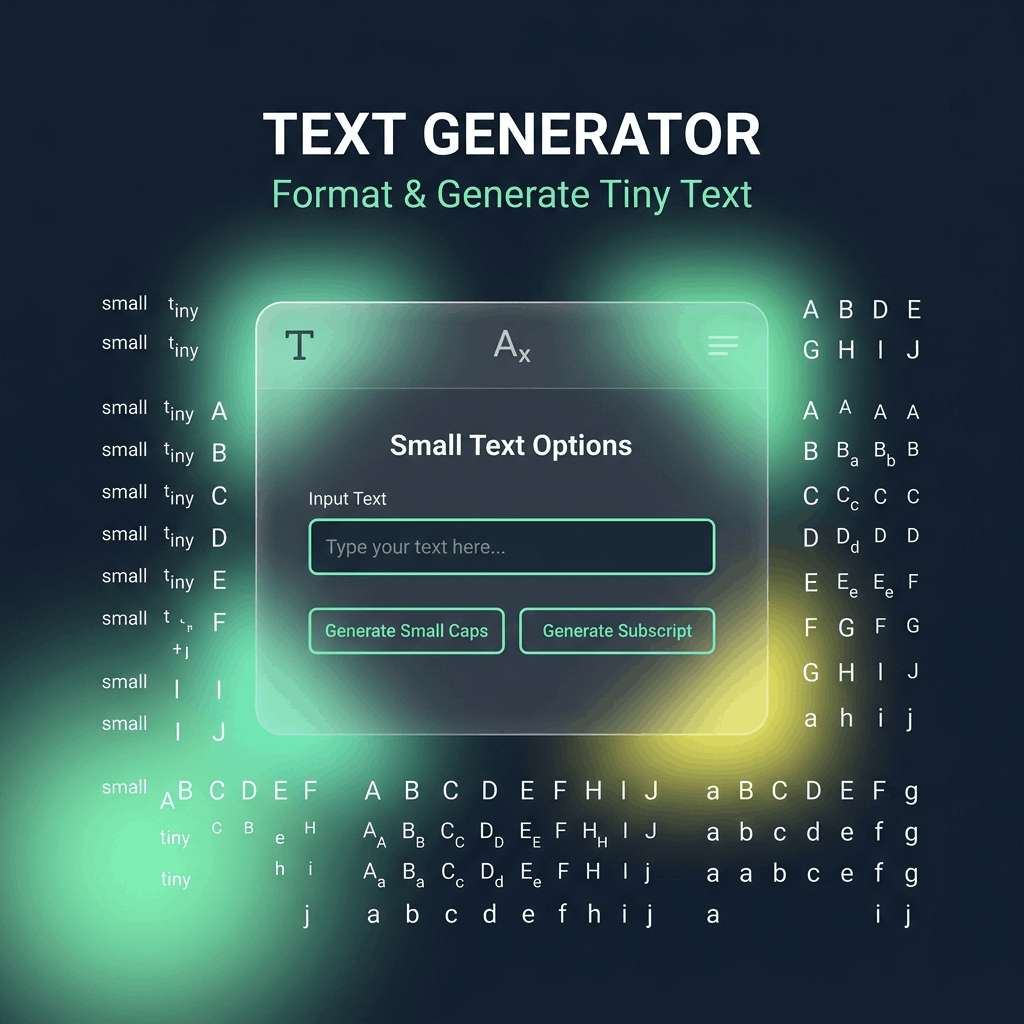
- Type your text in the input field at the top of this page
- Find the small text styles — look for "Small Caps", "Tiny / Superscript", or "Subscript" cards
- Click the card to copy the small text to your clipboard
- Paste into Instagram, Twitter, Discord, or anywhere (Ctrl+V / Cmd+V / long-press Paste)
Small Caps vs. Superscript vs. Subscript — Comparison
- Small Caps (ꜱᴍᴀʟʟ) — Most readable. Best for professional content, bios, headings. Nearly complete alphabet coverage.
- Superscript (ˢᵐᵃˡˡ) — Smallest size. Best for whisper effects, annotations, humor. Some letters missing.
- Subscript (ₛₘₐₗₗ) — Below-baseline positioning. Best for chemical/math notation. Most letters missing.
Why Choose Our Small Text Generator?
- ✅ 3 small text types — Superscript, Subscript, and Small Caps
- ✅ Instant conversion — real-time preview as you type
- ✅ One-click copy — no manual highlighting needed
- ✅ Complete alphabet display — see which letters have small equivalents
- ✅ 120+ total font styles including cursive, bold, fancy, cool
- ✅ 100% free — no sign-up, no downloads, unlimited use
 Chrome
 Edge
Edge
Frequently Asked Questions
Type your text in the input field at the top of this page. Our small text generator will instantly create superscript, subscript, and small caps versions. Click on any style card to copy the small text to your clipboard.
Unicode doesn't include superscript or subscript versions of every letter. These character sets were originally designed for phonetic notation and mathematics, not as complete alphabets. Letters without small equivalents (like some lowercase letters in subscript) will appear in normal size. Small caps has the best coverage.
Small caps (ꜱᴍᴀʟʟ) are miniature versions of capital letters at lowercase height — clean and readable. Superscript (ˢᵐᵃˡˡ) are even tinier letters positioned above the baseline — like mathematical exponents. Small caps look more professional; superscript looks like whispering.
Yes! Small text works in Instagram bios, captions, comments, and stories. Small caps are particularly popular for creating professional-looking Instagram bios with a minimalist aesthetic.
Small text works on most modern devices and platforms. iPhones, Android phones, Windows, and Mac all support these Unicode characters. Very old devices or certain apps might not render all small characters correctly.
Use our Superscript / Tiny Text style — it creates the smallest possible text that looks like whispering: ˢᵐᵃˡˡ ᵗᵉˣᵗ. This is very popular on Twitter and Discord for humorous asides and commentary.
Yes! Our subscript style includes numbers (₀₁₂₃₄₅₆₇₈₉) perfect for chemical formulas like H₂O, CO₂, and NaCl. Not all letters have subscript equivalents, but numbers and many common letters are covered.
Yes, completely free. No sign-up, no downloads, no usage limits. Generate small text as many times as you want for any purpose.