Fonts Copy & Paste —
Browser Extension
Get instant access to 120+ stylish Unicode fonts right from your browser toolbar. Transform text anywhere on the web — no need to visit a website!
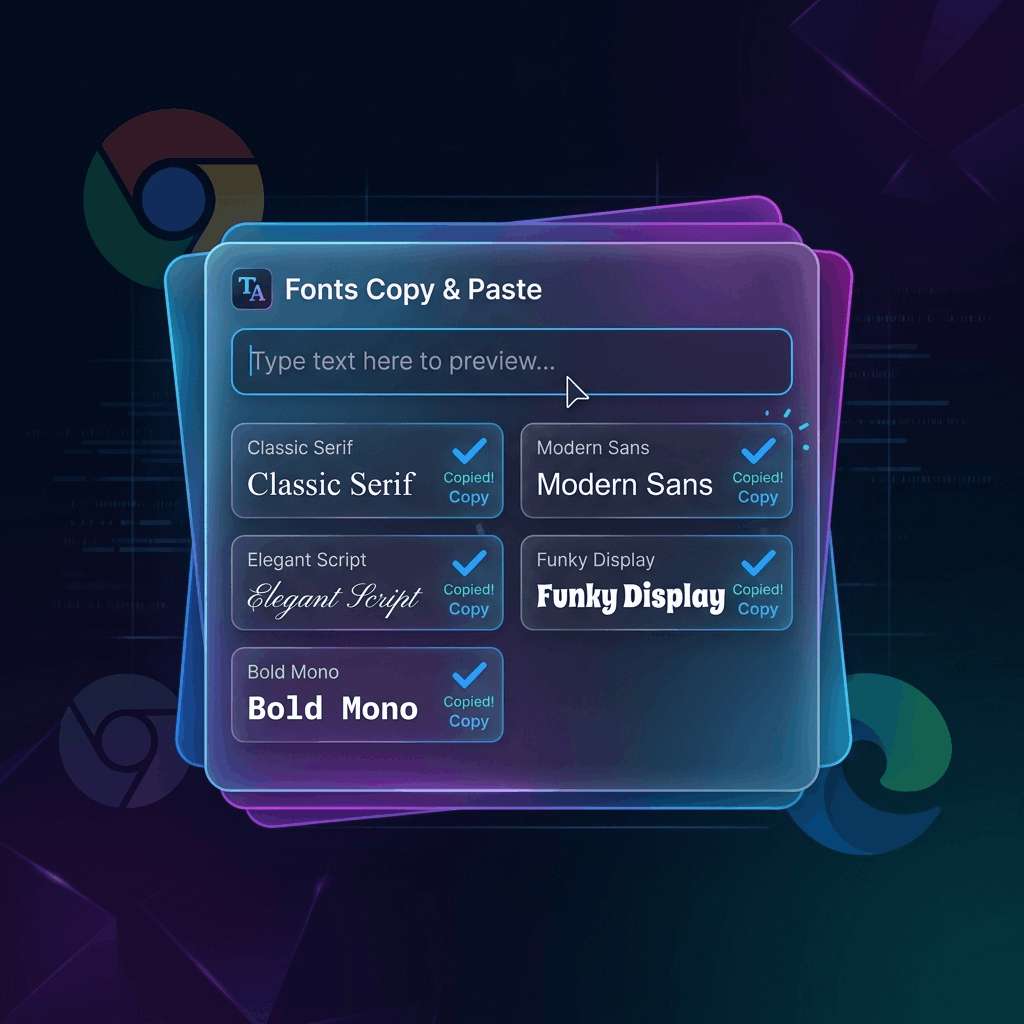
Instant Access
Click the extension icon in your toolbar to instantly open the font generator. No website needed.
120+ Styles
All 120+ Unicode font styles at your fingertips — cursive, bold, fancy, cool, small, decorative, and more.
One-Click Copy
Click any font style to instantly copy to your clipboard. Paste directly into any text field on any website.
Why Install the Browser Extension?
While our website at fontstocopyandpaste.com is always free to use, the browser extension brings the power of our font generator directly into your browser. Here's why you should install it:
🚀 Speed & Convenience
No more switching tabs. Click the extension icon → type your text → click to copy → paste. It takes 3 seconds instead of navigating to a website.
🌐 Works Everywhere
Use it on any website — compose stylish text while writing emails in Gmail, posting on Instagram web, chatting on Discord, tweeting on Twitter/X, commenting on YouTube, or posting on Reddit.
🎯 Context-Aware
The extension pops up right where you need it. You don't lose your place or context while generating stylish text.
🔒 Privacy First
Our extension runs entirely locally in your browser. Your text is never sent to any server. We don't collect, store, or transmit any data. Zero tracking, zero analytics, zero data collection.
How to Install
 Google Chrome
- Click the "Add to Chrome" button above (or visit the Chrome Web Store listing)
- Click "Add Extension" in the popup dialog
- The F icon will appear in your browser toolbar
- Click it anytime to open the font generator!
 Microsoft Edge
- Click the "Add to Edge" button above (or visit the Edge Add-ons listing)
- Click "Get" and then "Add Extension"
- The F icon will appear in your Edge toolbar
- Click it anytime to generate stylish fonts!
How to Use
- Click the extension icon (F) in your browser toolbar
- Type your text in the input field
- Browse 120+ font styles that update in real-time
- Click any style to copy it to your clipboard
- Paste into any text field on any website
Extension Features
- ✅ 120+ Unicode font styles — cursive, bold, italic, fancy, cool, small, cute, decorative, and more
- ✅ Real-time preview — see all styles update as you type
- ✅ One-click copy — instant clipboard copy with visual confirmation
- ✅ Category filters — quickly find the style you want
- ✅ Dark mode — matches your browser theme
- ✅ Lightweight — tiny footprint, no impact on browser performance
- ✅ 100% free — no premium tiers, no subscriptions, no ads
- ✅ Privacy-safe — zero data collection, everything runs locally
Compatible Browsers
Our extension is available natively on:
- Google Chrome — Install from Chrome Web Store
- Microsoft Edge — Install from Edge Add-ons
- Brave — Install via Chrome Web Store (fully compatible)
- Opera — Install via Chrome Web Store with extension compatibility
- Vivaldi — Install via Chrome Web Store (fully compatible)
Ready to Get Started?
Join thousands of users who generate stylish text directly from their browser.